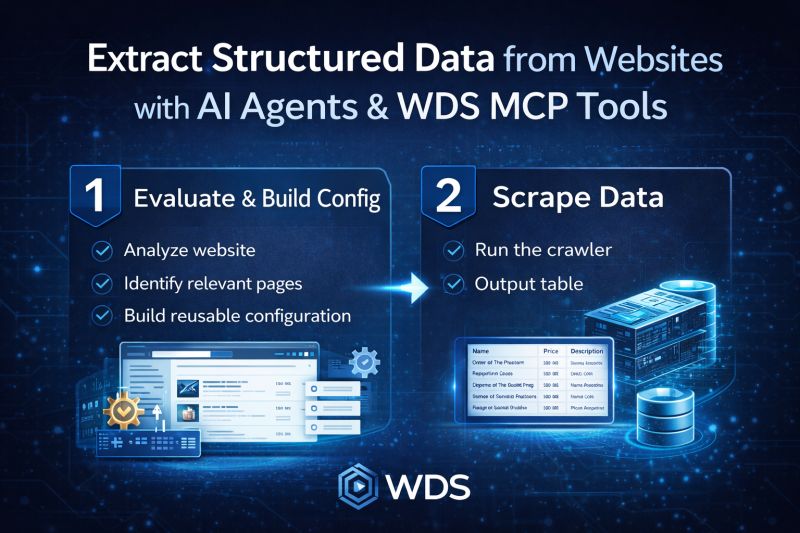
“Scrape Data” Prompt
Extracting structured data from websites usually requires complex, fragile scraping scripts. With AI agents and WDS MCP tools, that workflow can be completely different.
The “Scrape Data” prompt demonstrates how an AI agent can evaluate a web resource and extract only the required data as structured tables.
Instead of blindly crawling pages, the process is split into two clear stages, and every step is executed using WDS MCP tools - no external scripts or custom scraping code required.
1️⃣ Evaluate the resource and build a crawling configuration
First, the AI agent analyzes the website to understand how the data is organized and how to navigate across the resource to collect it completely.
Using WDS MCP tools, the agent:
- inspects the starting page
- evaluates the HTML structure
- determines how to navigate across the website to reach all relevant pages
- identifies which pages contain useful data
- determines which fields are required
- builds a reusable crawling and extraction configuration
This configuration defines how the site should be crawled and what data should be extracted.
The key advantage is that the configuration can be reused as many times as needed.
2️⃣ Scrape data using the configuration
Once the configuration is created, the scraping process becomes simple and repeatable.
Using the same WDS MCP tools, the agent can:
- run the crawler using the existing configuration
- navigate through the site according to the defined rules
- collect only the required fields
- output the results as structured tables, for example: Name, Price, Description
Because the crawling logic is already defined, the same job can be executed periodically to keep datasets up to date.
The same workflow works in enterprise environments where infrastructure and security constraints matter.
More about this prompt