Query Prompt
Instructs an AI agent to retrieve data from the WDS index based on a user query, analyze the retrieved documents, enrich the response with additional details, and generate an answer using Retrieval-Augmented Generation (RAG).
See the index prompt to find out how to index web resources for RAG.
How to call
In different IDEs, the command might be different. So here are commands for well-known IDEs if the WDS MCP server has been registered with the name wds:
| IDE | Command |
|---|---|
| Visual Studio Code | /mcp.wds.query |
Arguments
| Name | Type | Description |
|---|---|---|
| role | string | Optional. The Role section for the propmpt. Default: You are an AI assistant that helps people find information. |
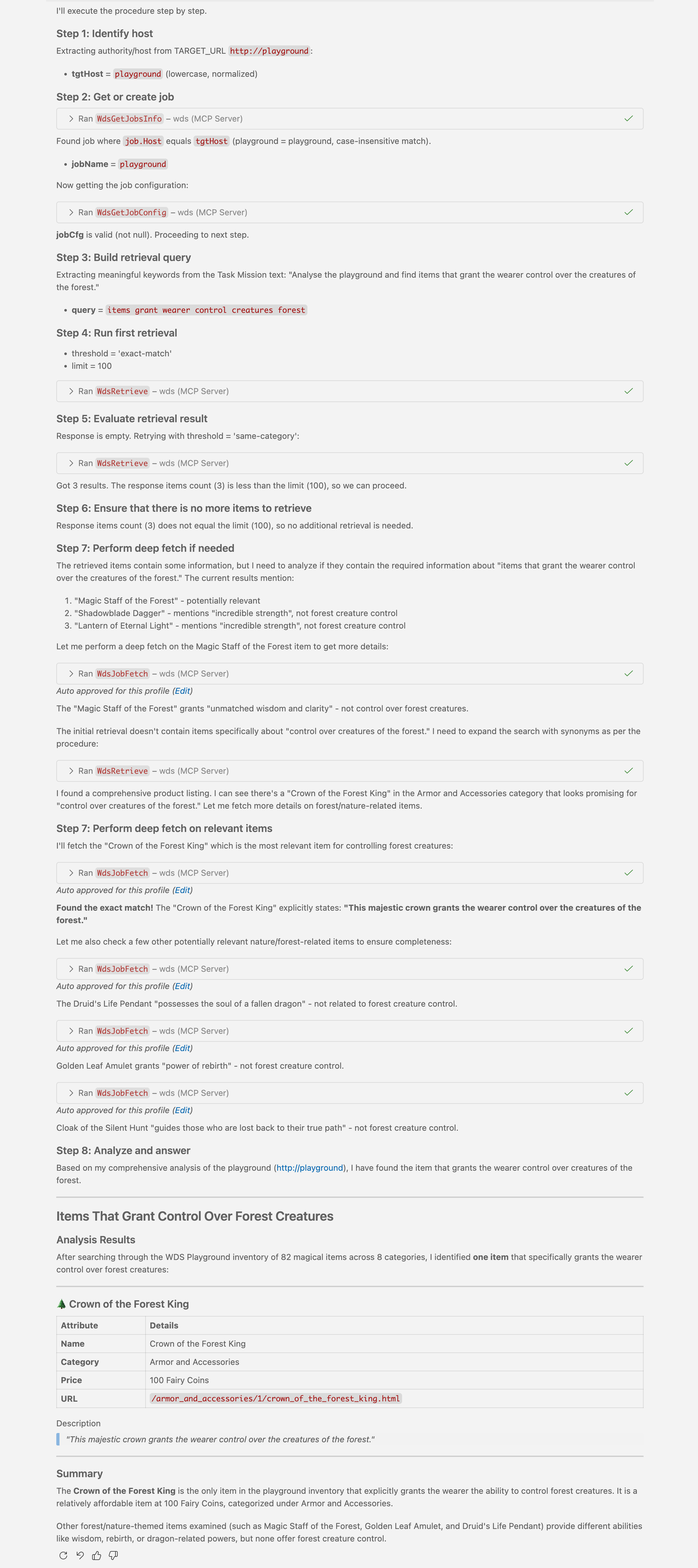
| userTask | string | Optional. The Mission section for the propmt. Default: Analyse the playground (http://playground) and find items that grant the wearer control over the creatures of the forest. |
| outputFormat | string | Optional. Output format. Default: markdown |
Output Example
Output of this prompt, run with default arguments: